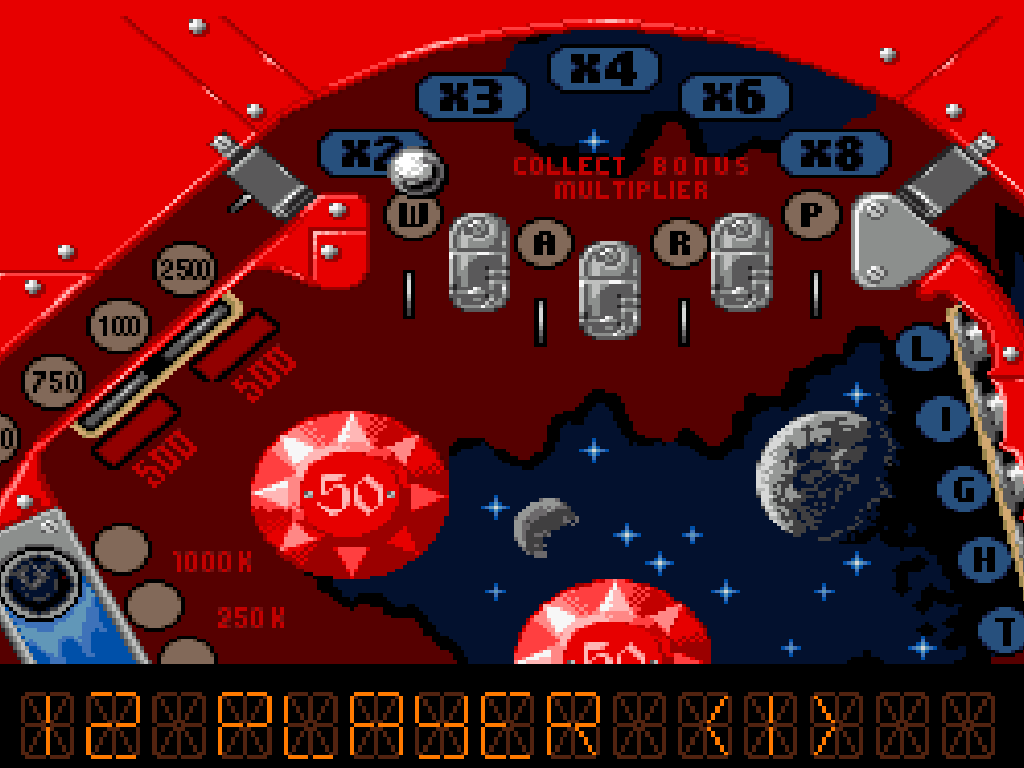
Overview and Gameplay
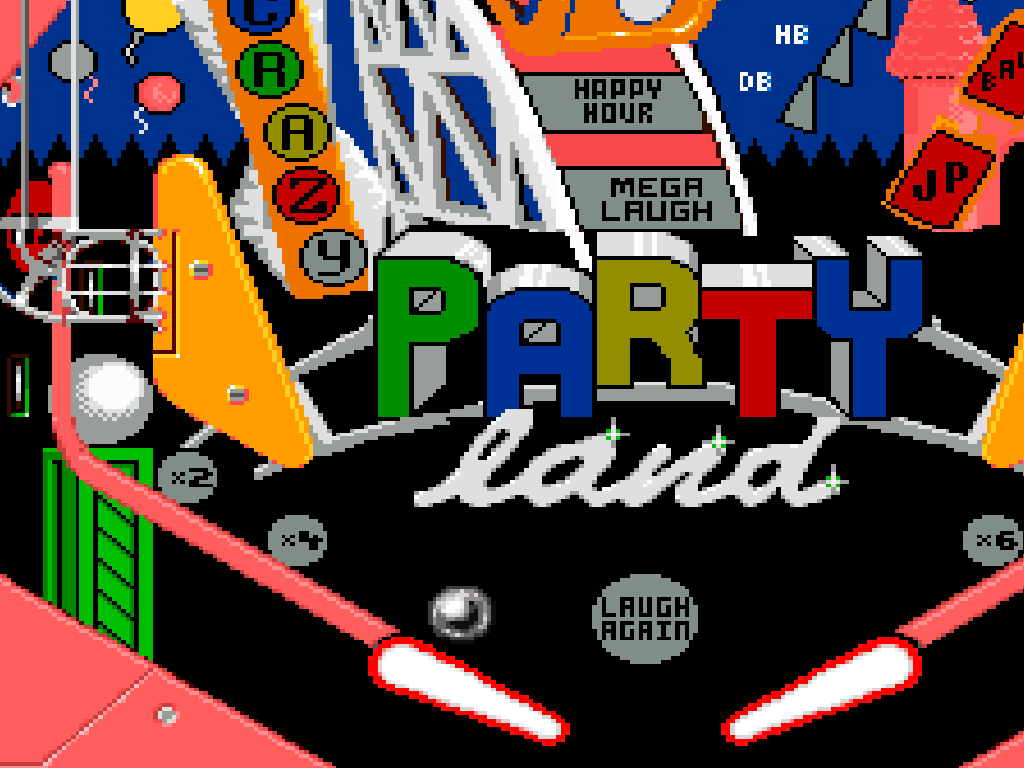
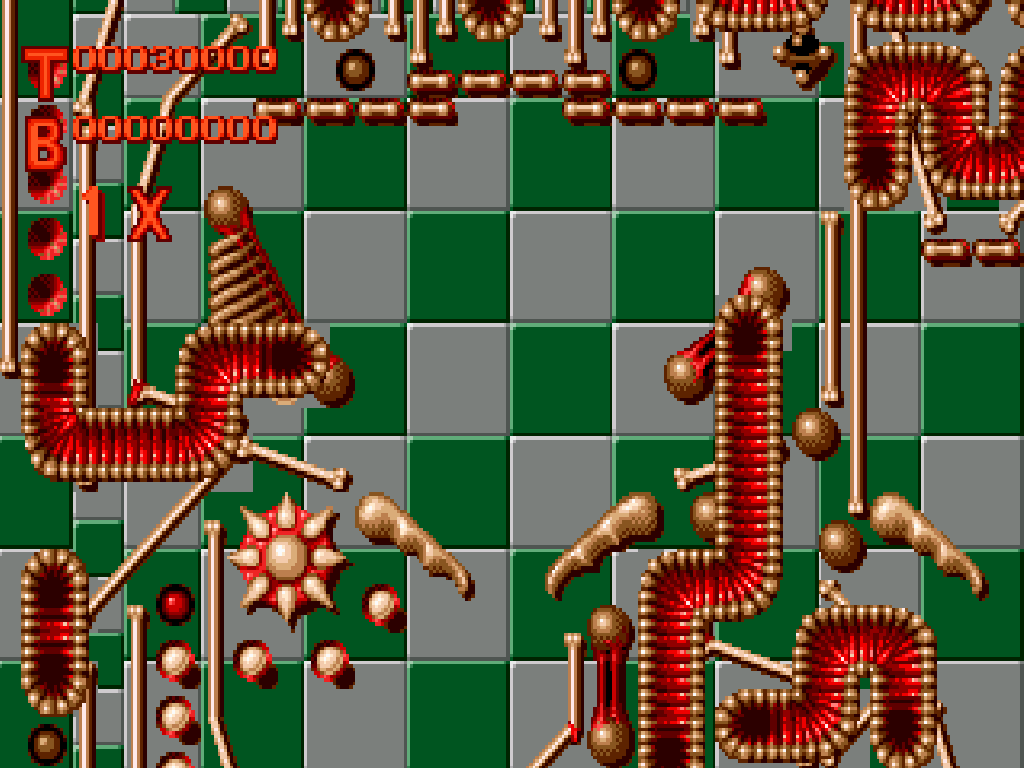
Four scrolling tables—Ignition, Steel Wheel, Beat Box, and Nightmare—define this Japanese Super Famicom release of Pinball Dreams. The goal is pure score chasing: launch the ball, keep it alive with the flippers, light lanes, clear targets, trigger jackpots, earn extra balls, and learn each table’s routes.
Controls And Mechanics
- The default layout uses the pad and face buttons for table selection, launching, flippers, sound options, and pausing.
- L and R shake the table, but repeated shaking can cause a tilt.
- Multiplayer is hot-seat turn play, with players taking turns rather than playing simultaneously.
Version Notes
This is the Japanese release of Pinball Dreams under the title Pinball Pinball. The game text remains in English, making it easy to play as an English-language post.
Release And Credits
- Japanese Super Famicom release: 1994.
- Developer: Spidersoft.
- Publisher: Coconuts Japan.
- Original platform: Amiga, as Pinball Dreams.