
Overview and Gameplay
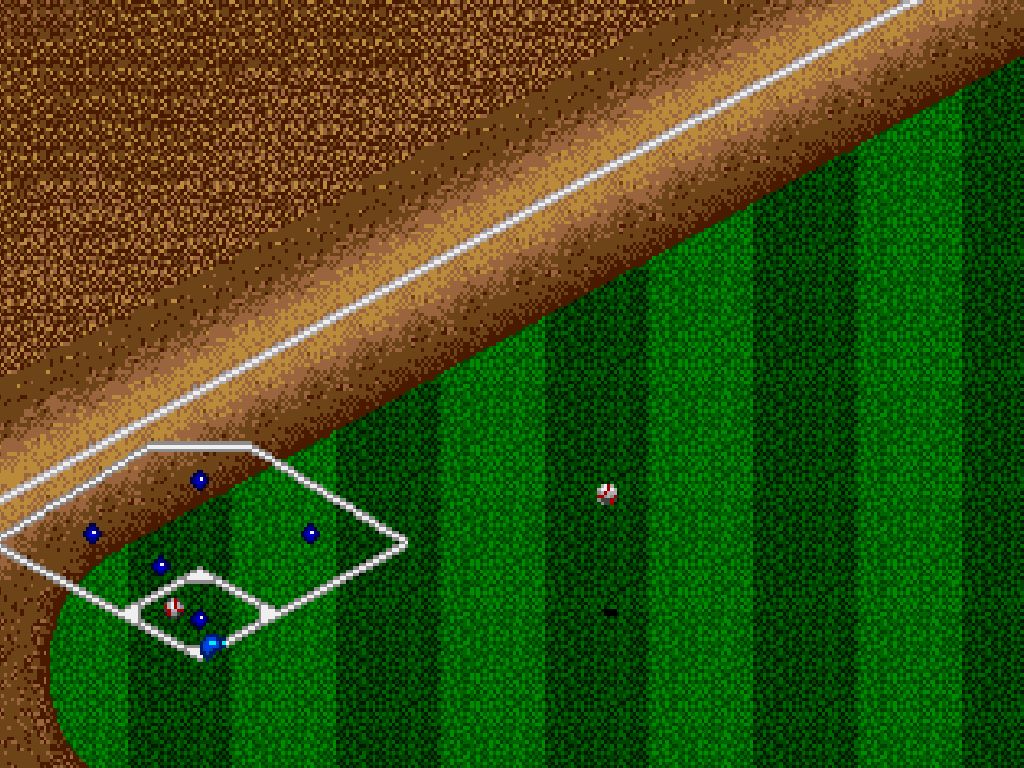
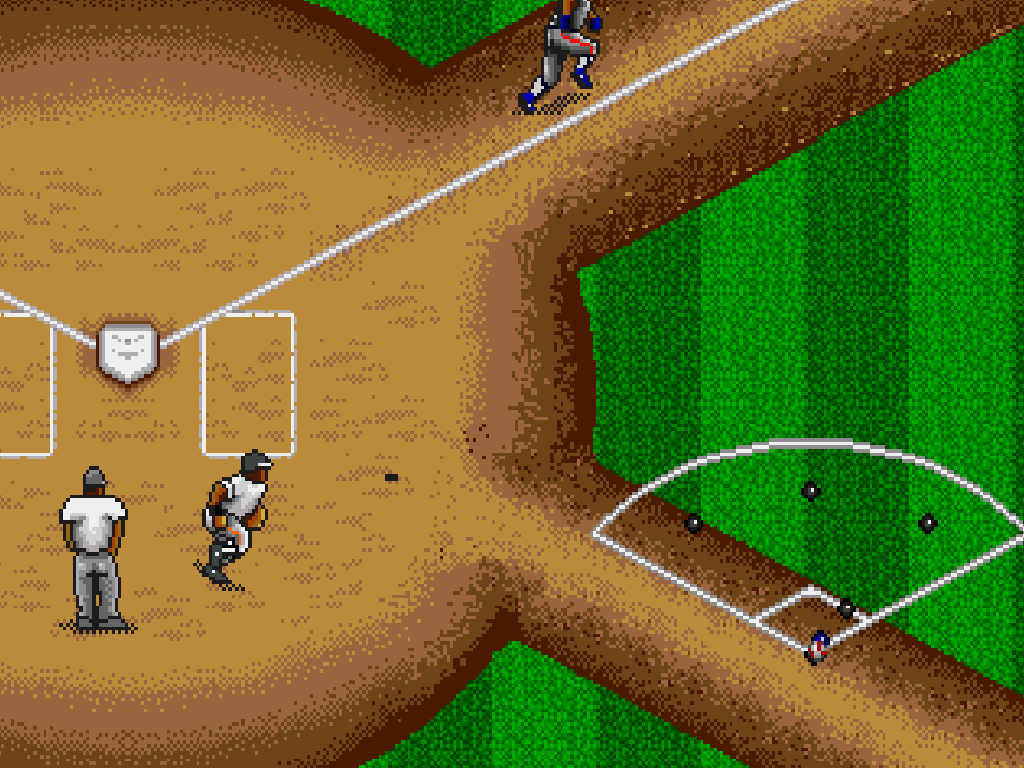
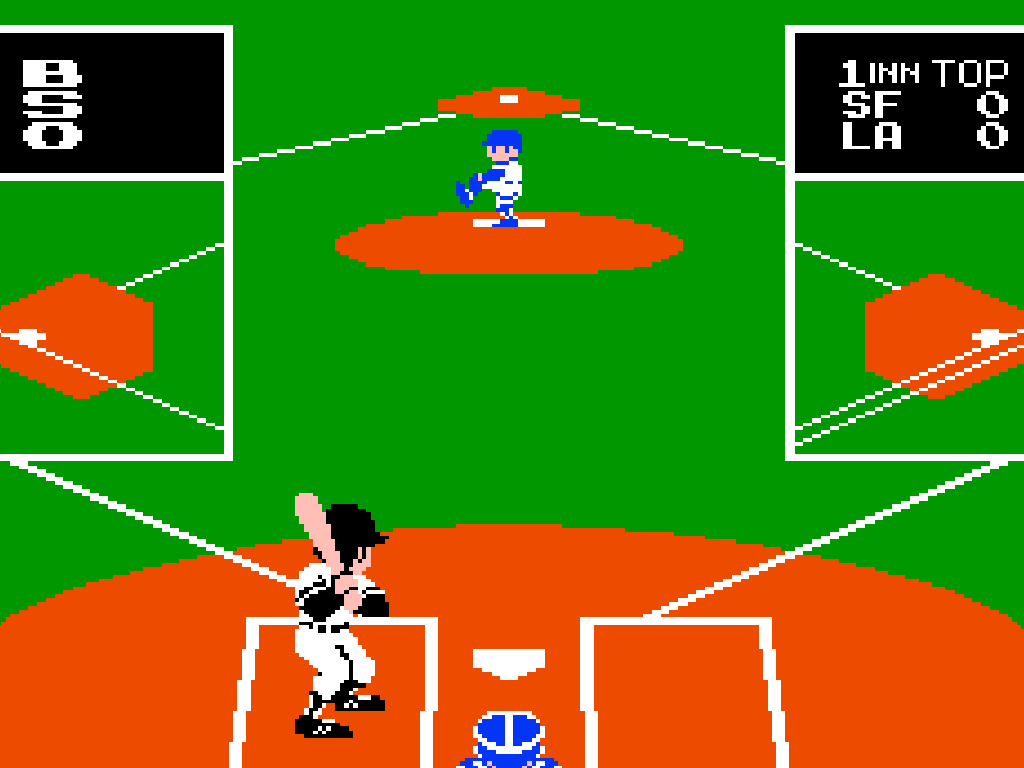
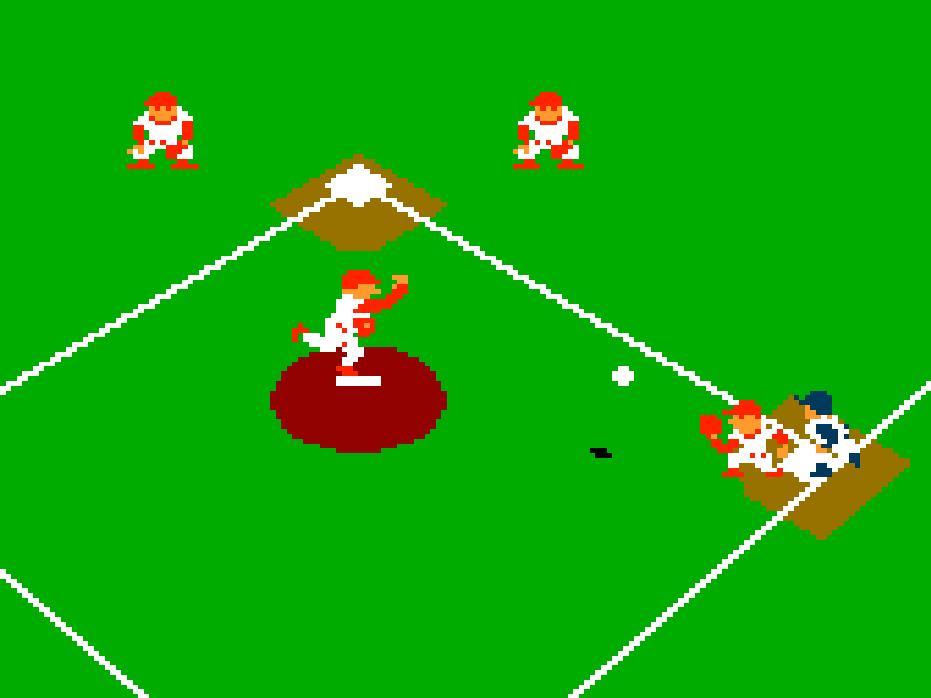
Nintendo’s early baseball game presents a complete nine-inning match with six color-coded teams. Bat against the computer or face another player, then switch roles as each side takes the field. There are no licensed rosters, seasons, statistics, or saved progress; each match stands alone, and a tie after nine innings ends as a draw.
Controls And Mechanics
- Move the batter in the box and time swings for grounders, fly balls, or stronger contact.
- Shorten a swing to bunt, select individual runners, steal bases, tag up, or send every runner at once.
- Pitch slow balls, fastballs, curves, screwballs, and a medium straight ball. Pickoff throws can catch runners leaving early.
- Fielders position themselves automatically, while the player chooses the destination of each throw.
- Two-player mode is local versus play, with one player batting while the other pitches and handles defensive throws.
Version Notes
The USA release replaces the Japanese team initials with A, C, D, P, R, and Y, and uses English inning labels. The teams suggest American clubs but are not officially licensed.
Release And Credits
- Release: October 1985
- Developer: Nintendo R&D1
- Publisher: Nintendo
- Original platform: Famicom, released in Japan in 1983