
Overview and Gameplay
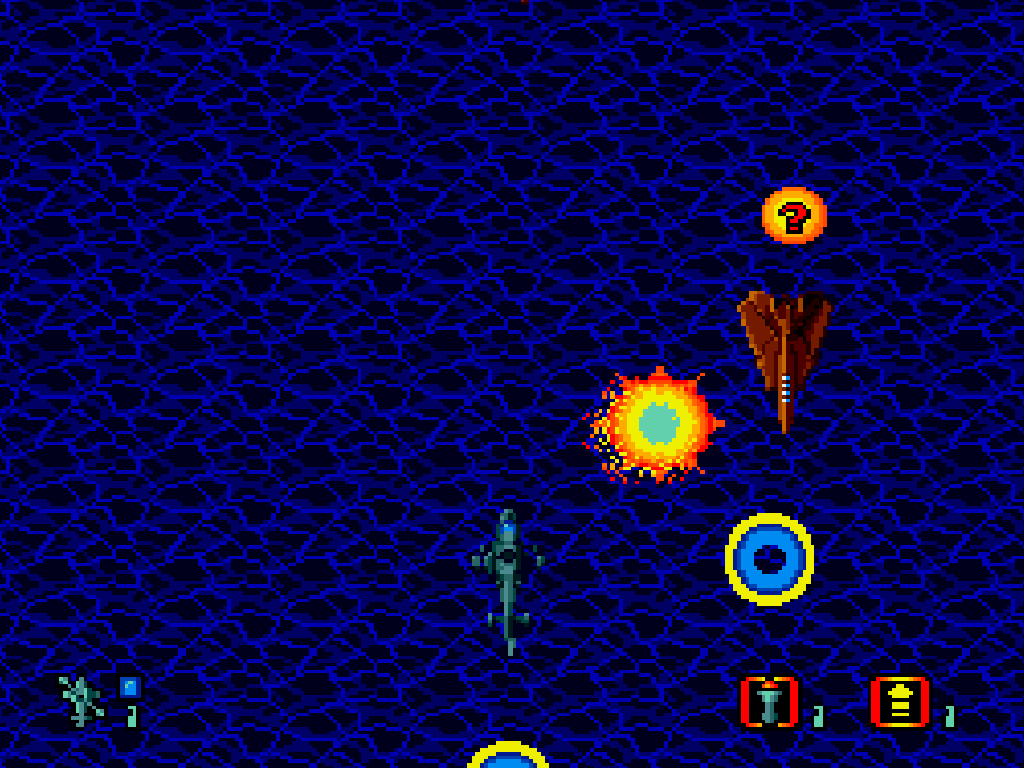
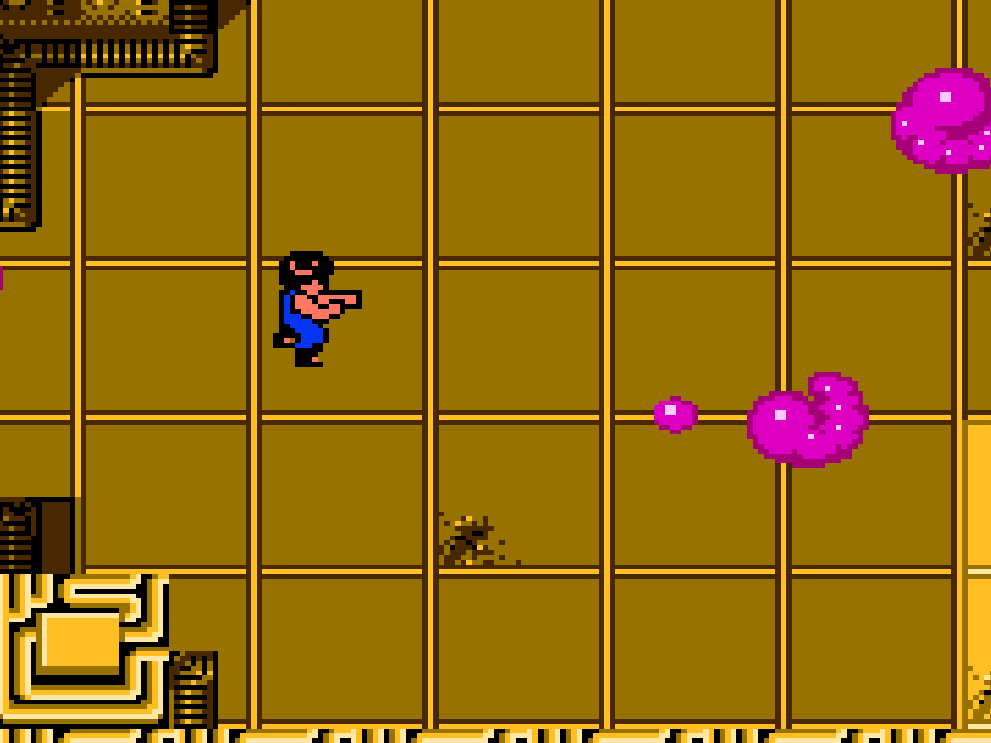
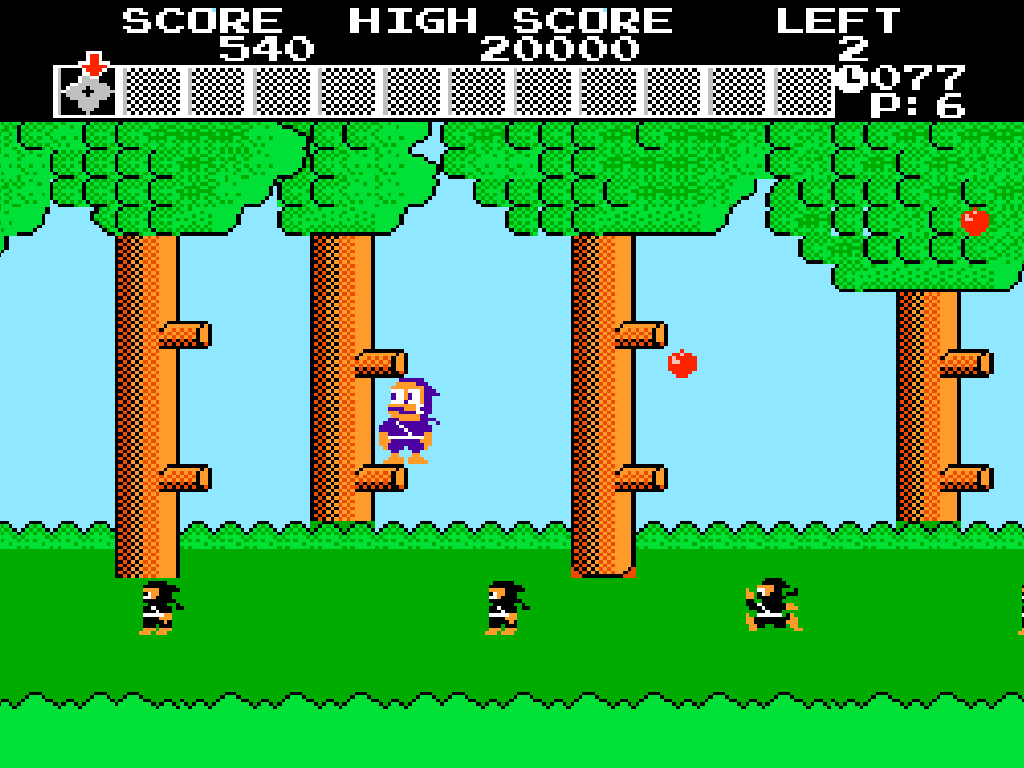
CrossFire follows CIA operative Eric as he attacks six bases controlled by a secret organization. The campaign moves through battlefields, waterways, industrial areas, a moving train, a fortress, and a high-technology final base.
Each round requires advancing through side-scrolling combat zones, breaking crates for supplies, and defeating armored vehicles or large machines. Helicopters carry Eric between several missions.
Controls And Mechanics
The directional pad moves, crouches, aims firearms, and climbs suitable structures. A jumps, while B punches when unarmed or fires the equipped weapon. Pressing up with B while unarmed throws a grenade toward background targets. Start pauses play.
Weapon pickups provide machine-gun and rocket attacks that can gain wider firing patterns. Guns aim horizontally, vertically, and diagonally. Health items restore the life meter, while extra-life items appear in some crates.
Losing all health costs a life, reduces weapon strength, and resumes play from a checkpoint. Bosses include helicopters, a submarine, armored vehicles, and a large final shuttle weapon.
Version Notes
This cancelled North American NES prototype contains all six rounds and the ending. It was developed from the Japanese Famicom edition released commercially in 1990 but never received a US retail cartridge.
Release And Credits
- Developer: Sanritsu Denki
- Original platform: Family Computer and Nintendo Entertainment System