Overview and Gameplay
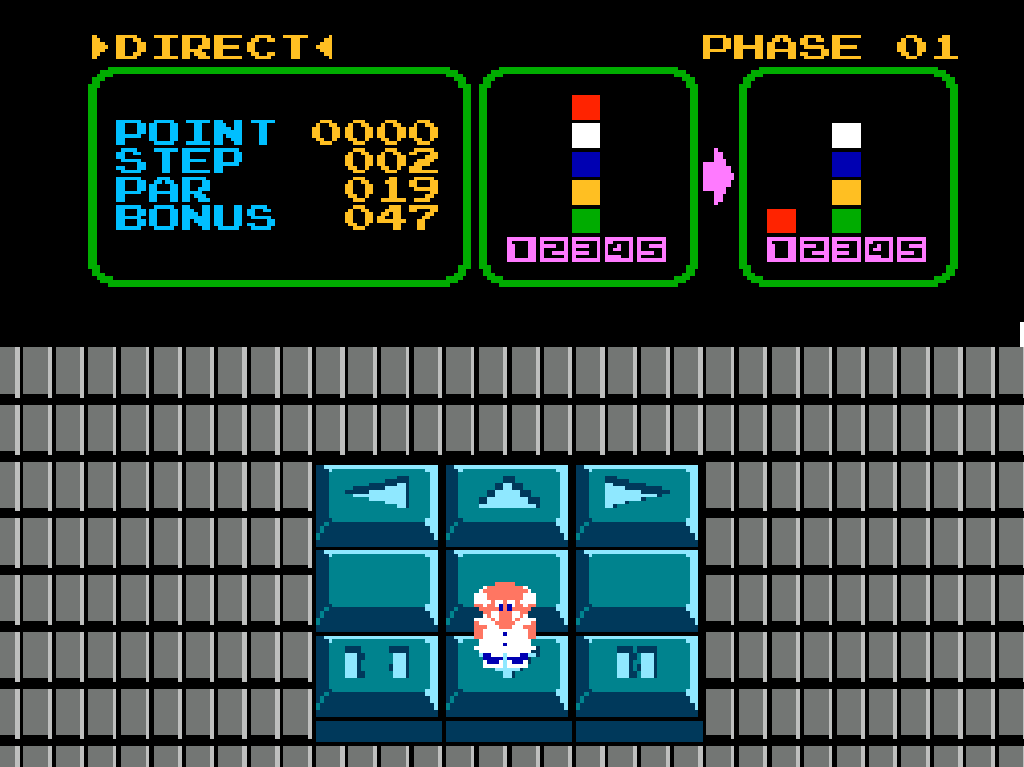
Professor Hector issues commands from an on-screen console while R.O.B., the robotic assistant, physically moves colored blocks between trays to match target patterns. Each stage revolves around planning command sequences so the robot can pick up, carry, and drop blocks in the correct order.
The structure blends screen-based input with real-world robot actions, turning each puzzle into a coordination challenge between player input and mechanical response. Multiple modes expand the format, including direct command play, memory-based sequences, and competitive bingo-style layouts.
Controls And Mechanics
- Movement is handled through directional input for navigating command selection and menu options
- Buttons are used to confirm, program, or adjust command sequences sent to R.O.B.
- Start begins stages, confirms actions, or advances after completion
- Select is used for menu navigation and mode switching
- Two player bingo mode assigns separate command control for competitive block-stacking races
Gameplay centers on sequencing actions accurately, as R.O.B. executes each instruction to physically manipulate blocks. Timing and order determine whether patterns are completed successfully.
Release And Credits
- 1985
- Nintendo
- Original platform: NES
- Alternate title: Robot Block (Japan)