

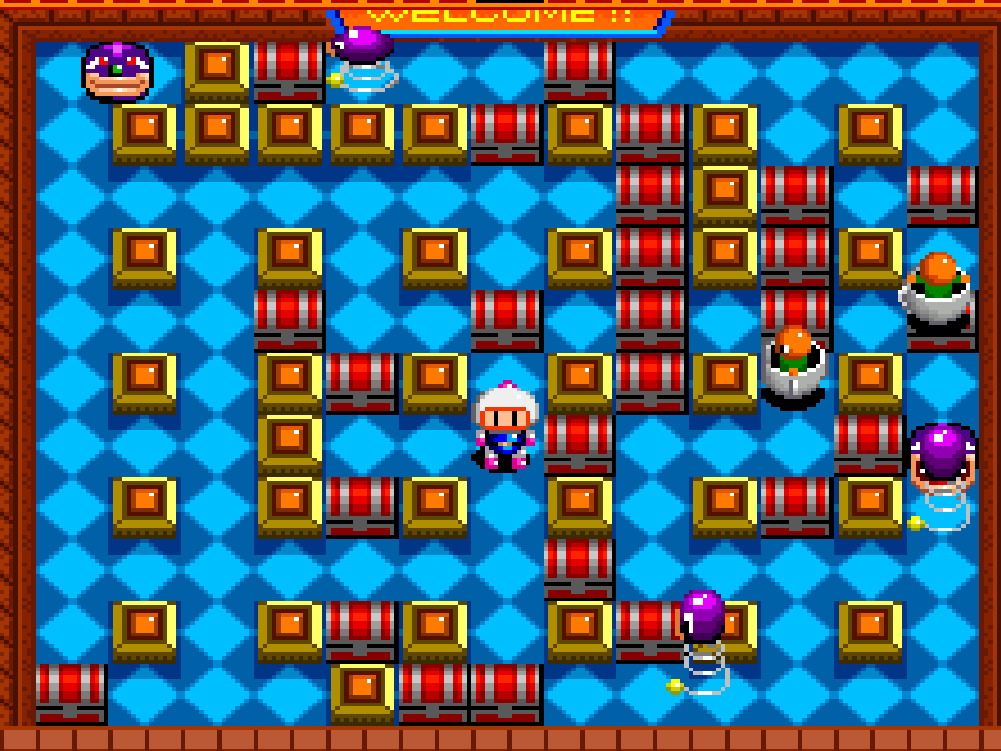
Overview and Gameplay
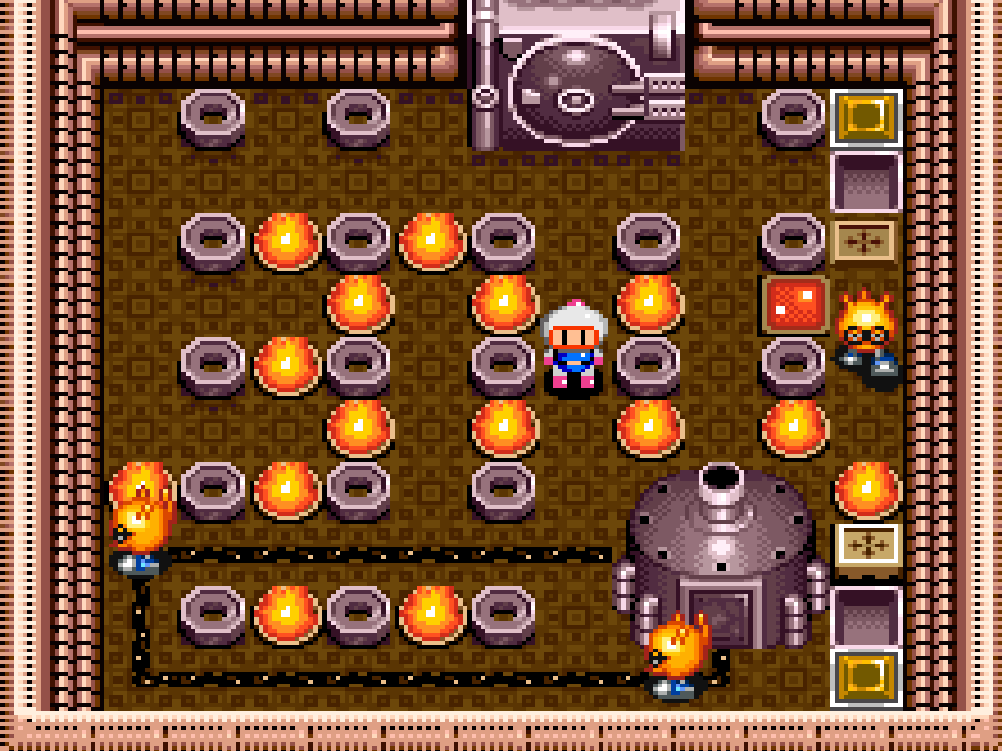
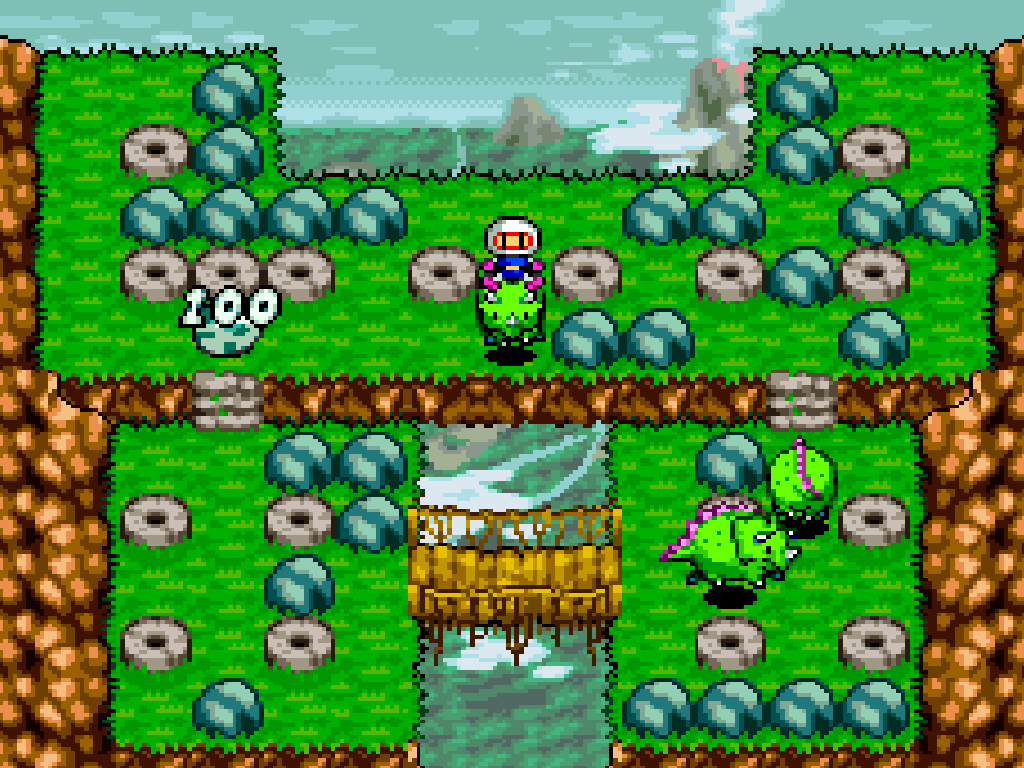
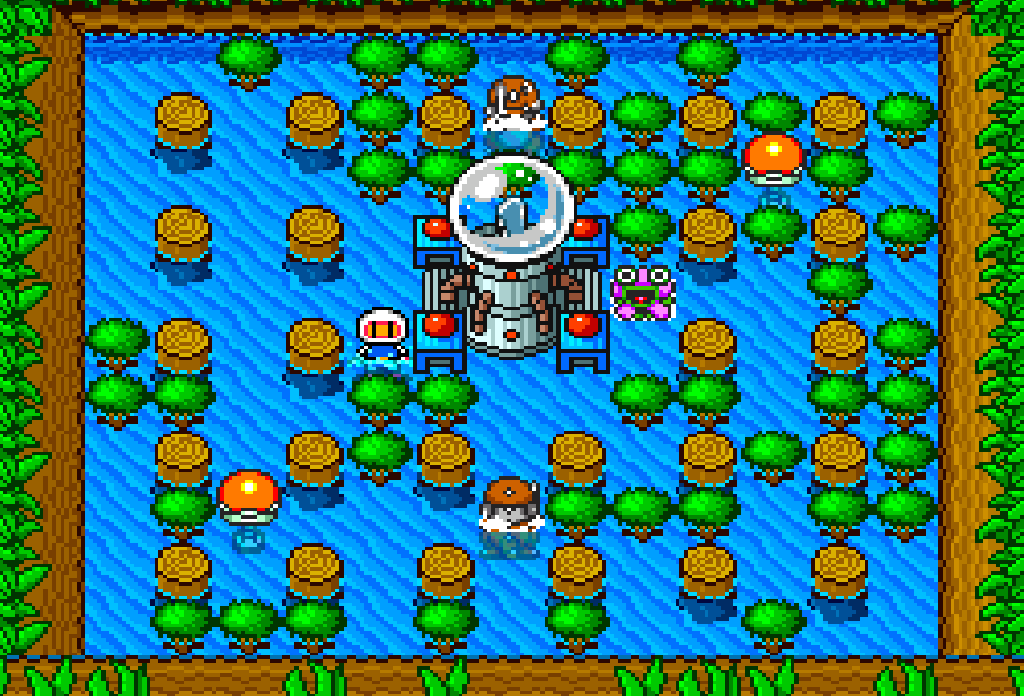
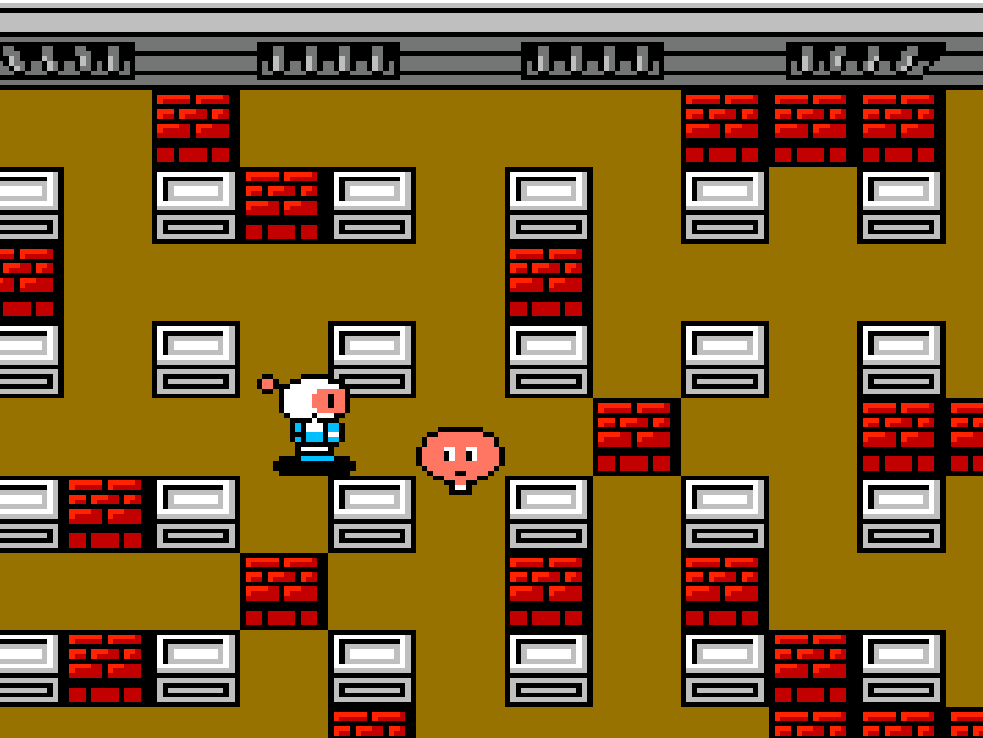
Diamond City is thrown into chaos by Carat Diamond and Dr. Mook, sending White Bomberman and Black Bomberman through bomb-filled maze stages. Super Bomberman turns the series formula into a sharp SNES action-puzzle game: place bombs, destroy blocks, defeat enemies, reveal exits, and survive the chain reactions you create.
Its Normal Game supports solo play and simultaneous two-player co-op, while Battle Game made the title especially remembered for local versus matches, including up to four players with the Super MultiTap.
Controls And Mechanics
- Move through grid-like stages, plant bombs, and use blast timing to trap enemies or opponents.
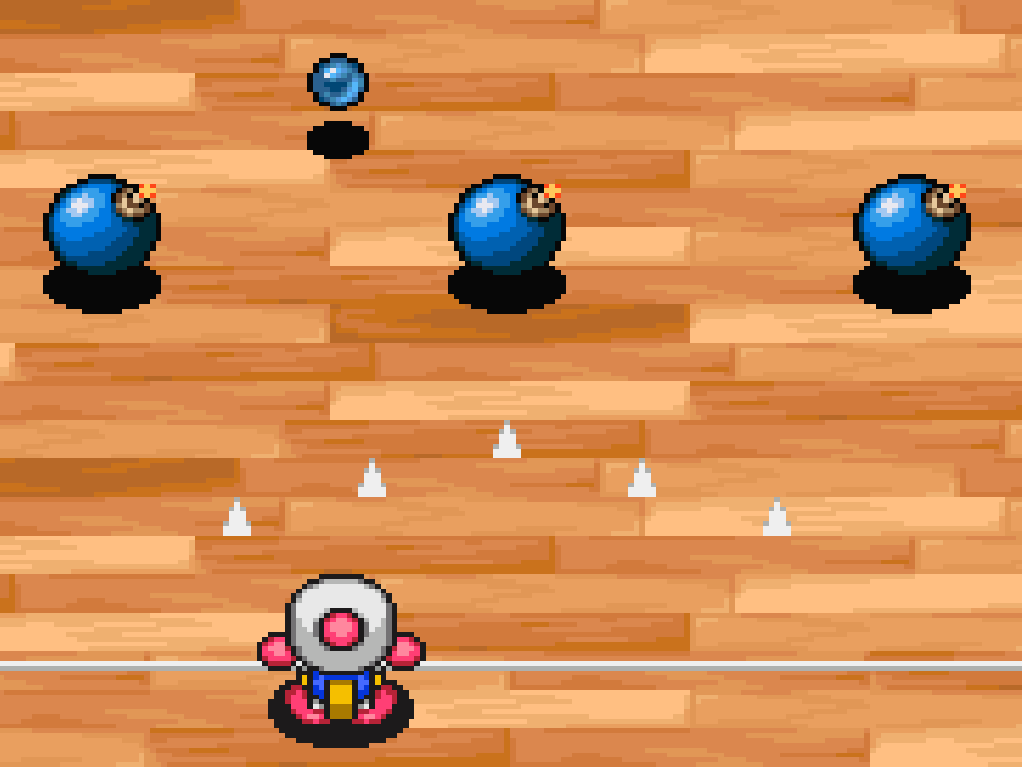
- Power-ups can increase speed, fire range, and bomb capacity, or add abilities such as remote detonation, kicking, punching, and stopping bombs.
- Lives, score, timer pressure, passwords, and continues shape Normal Game progression.
Version Notes
This is the European PAL SNES release. The public title remains Super Bomberman, with no major confirmed gameplay changes from other regional SNES releases.
Release And Credits
- European SNES release year: 1993
- Developer: Produce Co., Ltd.
- Publishers credited for the European release include Hudson Soft and Sony Electronic Publishing.