
Overview and Gameplay
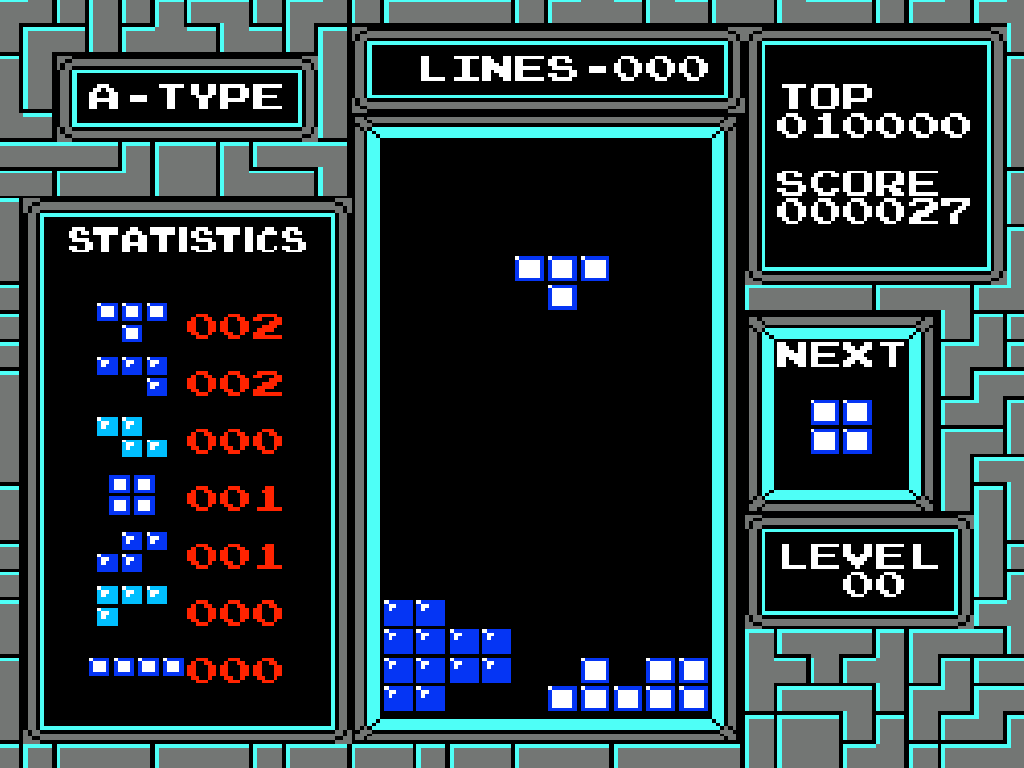
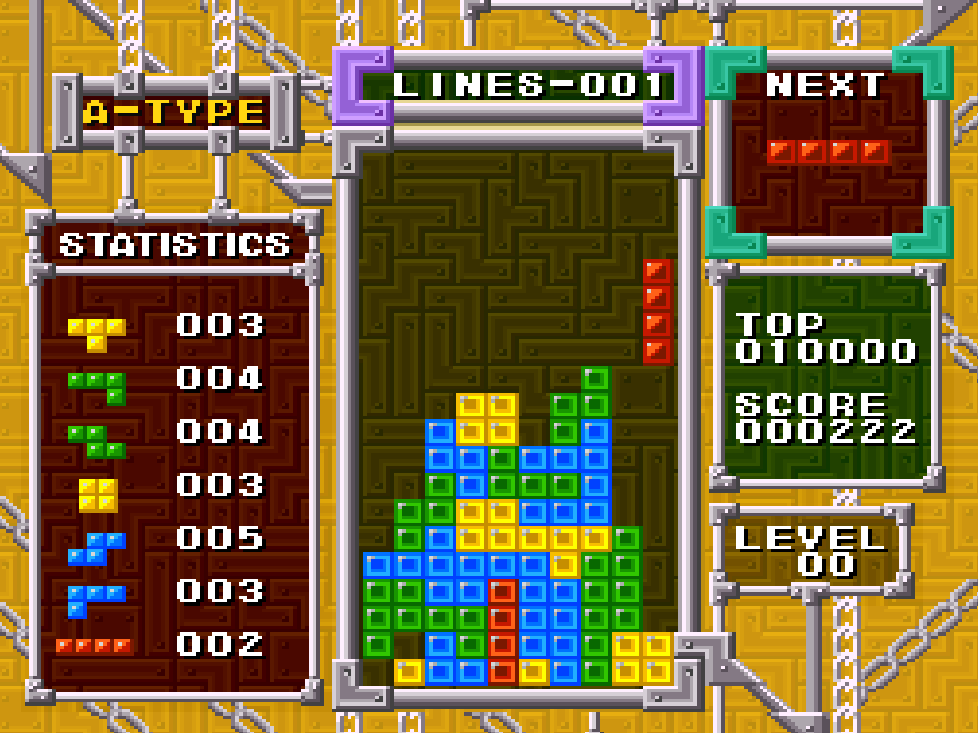
Poke Tetris uses falling pieces that must be arranged into complete horizontal lines before the stack reaches the top of the playfield. Options adjust the starting level, handicap rows, block appearance, piece set, and background music.
Solo and competitive modes use separate 10-by-20 wells. Cooperative play places both players in one wider 12-by-20 field, where they build and clear lines together.
Controls And Mechanics
The directional pad moves pieces horizontally and speeds their descent. A and B rotate pieces in opposite directions, while Start confirms menu choices and pauses play. One upcoming piece is displayed, and the game does not use hard drops or held pieces.
Each locked piece awards points, with larger rewards for clearing multiple lines at once. Clearing 30 lines raises the level and adds garbage rows. Play ends when newly placed blocks reach the top of the well.
Version Notes
This unlicensed falling-block game uses Pikachu and Jigglypuff artwork with Pokémon-themed audio. Its title screen reads Pikachu, while Poke Tetris is the common catalog title.
Release And Credits
- Original platform: Family Computer
- Alternate title: Pikachu